Presentation
1. Introduction
Protobox is an on-premise cloud project initiated in 2020. Indeed, Protobox is a nano datacenter cloud that hosts application containers and is orchestrated by Kubernetes technology. Protobox is also a custom framework based on Ansible technology, allowing complete infrastructure management and automation of desired actions.
It was designed with high availability and security standards, making its use versatile (preprod, test/dev, or production environments).
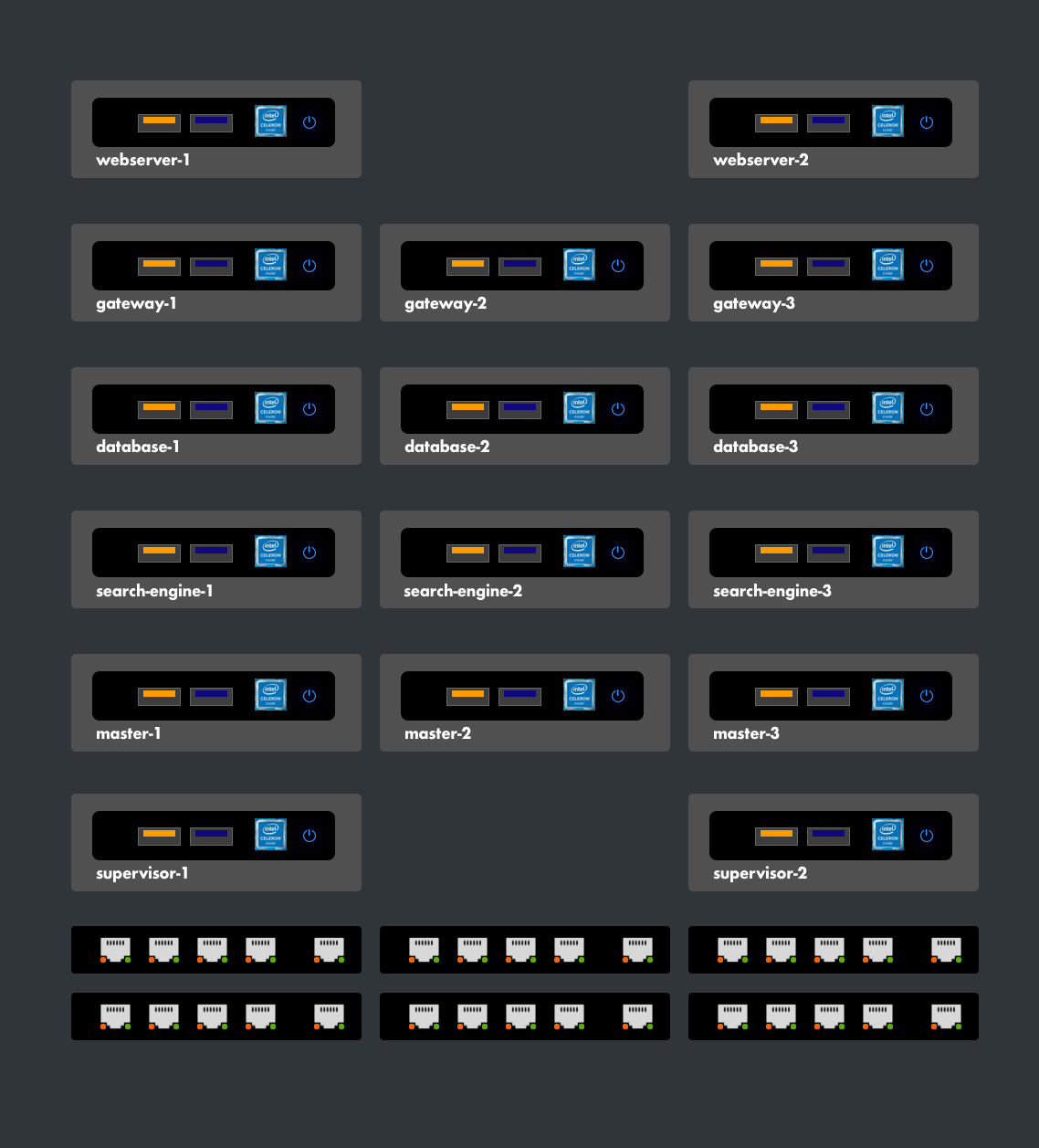
It consists on average of about twenty Intel NUC machines with relatively low power consumption. Each machine is tailored to its role in the box. They are similar in design and sometimes differ in their characteristics.
2. Intel NUC
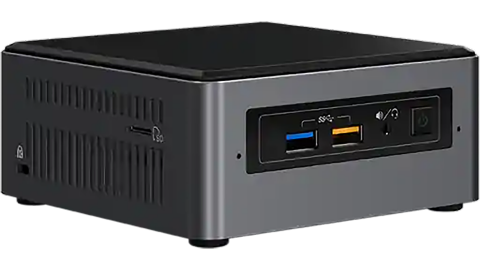
Intel® NUC kits, mini PCs, and elements offer the tools to create innovative designs, from business productivity to visual solutions and extreme gaming. Designed for a wide range of workloads with the quality and reliability you expect from Intel, Intel® NUC products enable you to develop your unique business offerings.
2.1. Cloud Context
In the Protobox infrastructure, each Intel NUC represents a logical unit of the system.
2.2. Main Models Used

In the infrastructure, there are two types of machines based on their processors. Machines with low resource consumption are equipped with Celeron processors, while those running heavy applications use Intel i5 processors.
2.3. Container Case
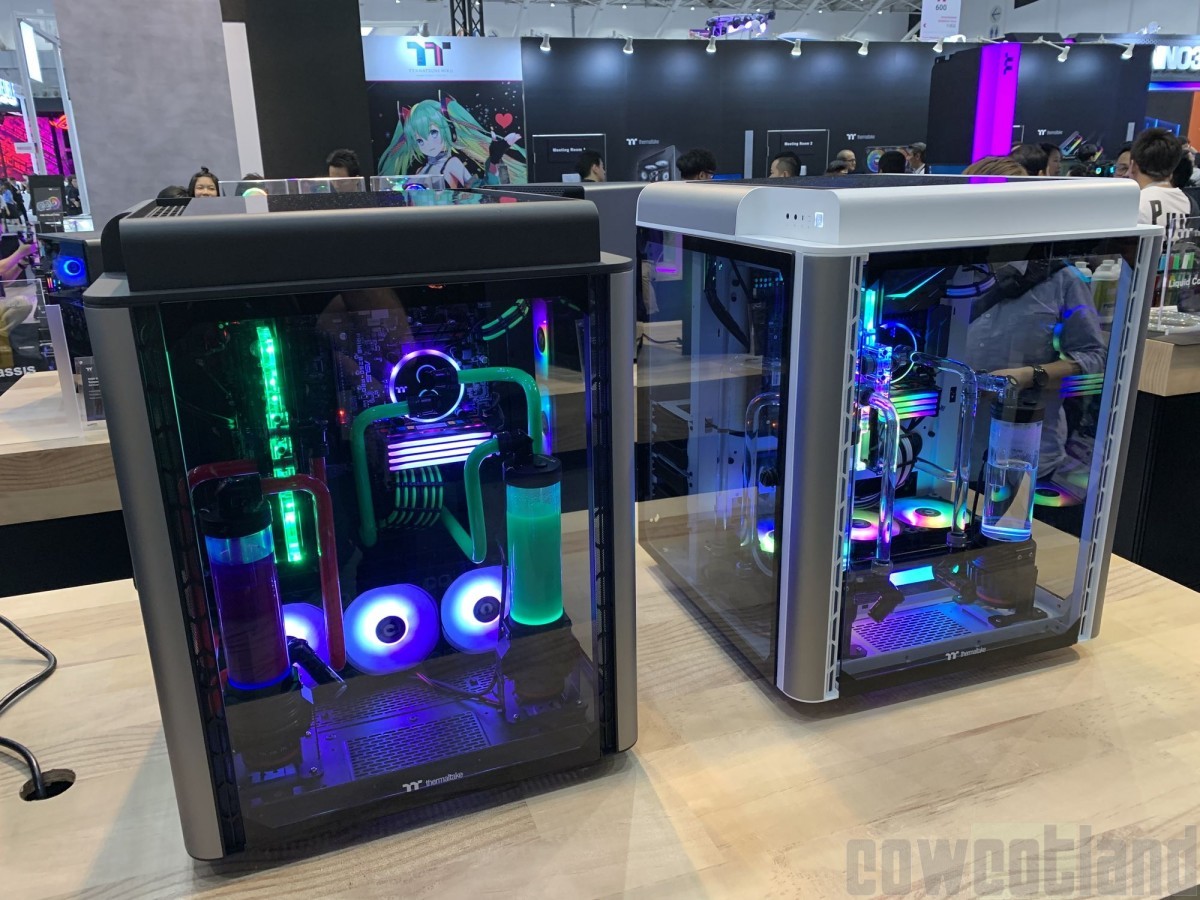
This case is designed to hold up to 18 machines and 2 13-inch screens arranged on plexiglass shelves.
2.4. Infrastructure
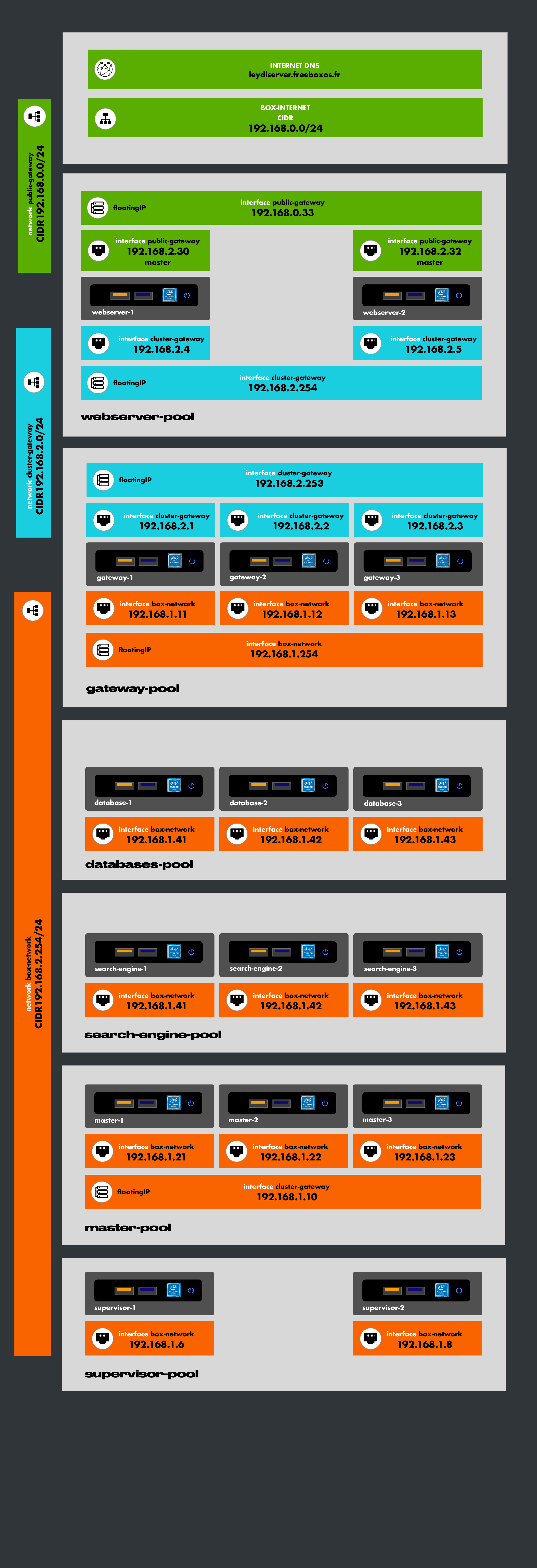
Hosts are placed and partitioned into interconnected subnets mainly for security reasons (see security and networking section).
 -->
-->
2.5. Declaring and Integrating a Host into the Infrastructure
A machine is declared in the inventory file of the Protobox framework.
Example of a host inventory
    gateway-1:
      arch: x86_64
      os: ubuntu_22.04
      model: nuc
      ansible_host: 192.168.1.11
      roles:
        - gateway
      networks_interfaces:
        box-network:
          dhcp: true
          network_manager: netplan
          ether: xx:xx:dd:01:4a:xx
        cluster-gateway:
          dhcp: false
          network_manager: netplan
          ip: 192.168.2.11
          ether: 28:xx:xx:xx:5e:xx
          gateways:
            - to: default
              via: 192.168.2.254
$ play playbook-host-install.yml